Bunifu Drag
The Bunifu Drag component, like the Bunifu Form Dock component, allows us to easily move our Forms from one area of the screen to another. However, the unique feature in this component is the ability to also drag controls at runtime once they're targeted. We shall however look at this a bit later...
Here are some illustrations of this component in action:
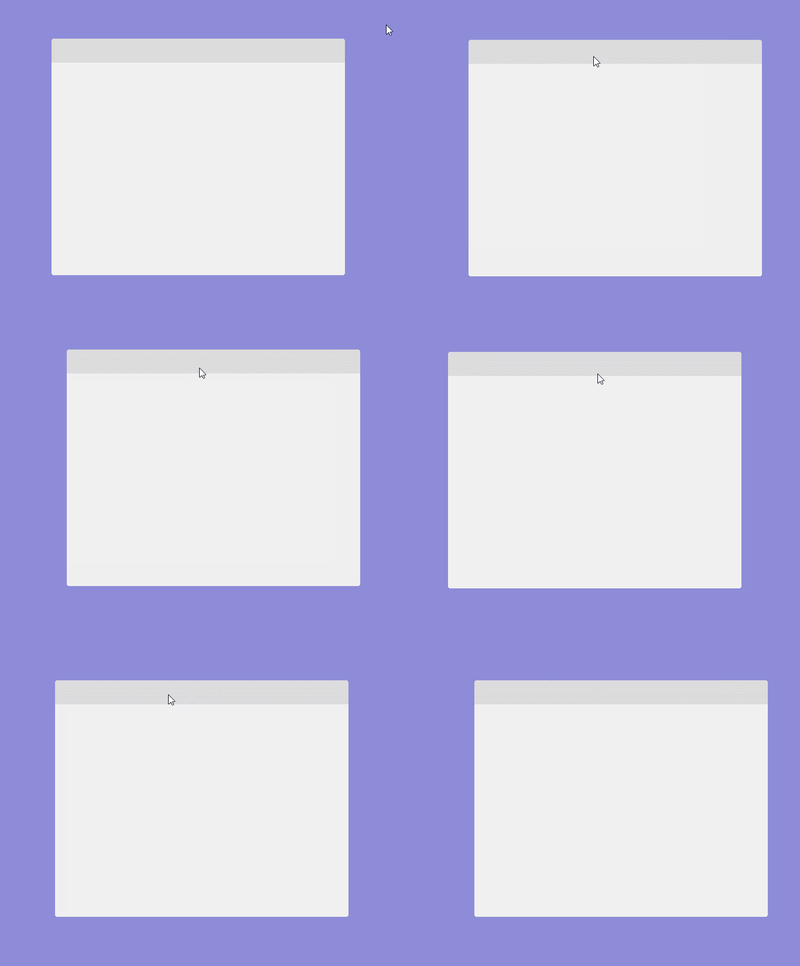
Above, a custom borderless Form with a Panel as the Title Bar is being used to drag the Form.
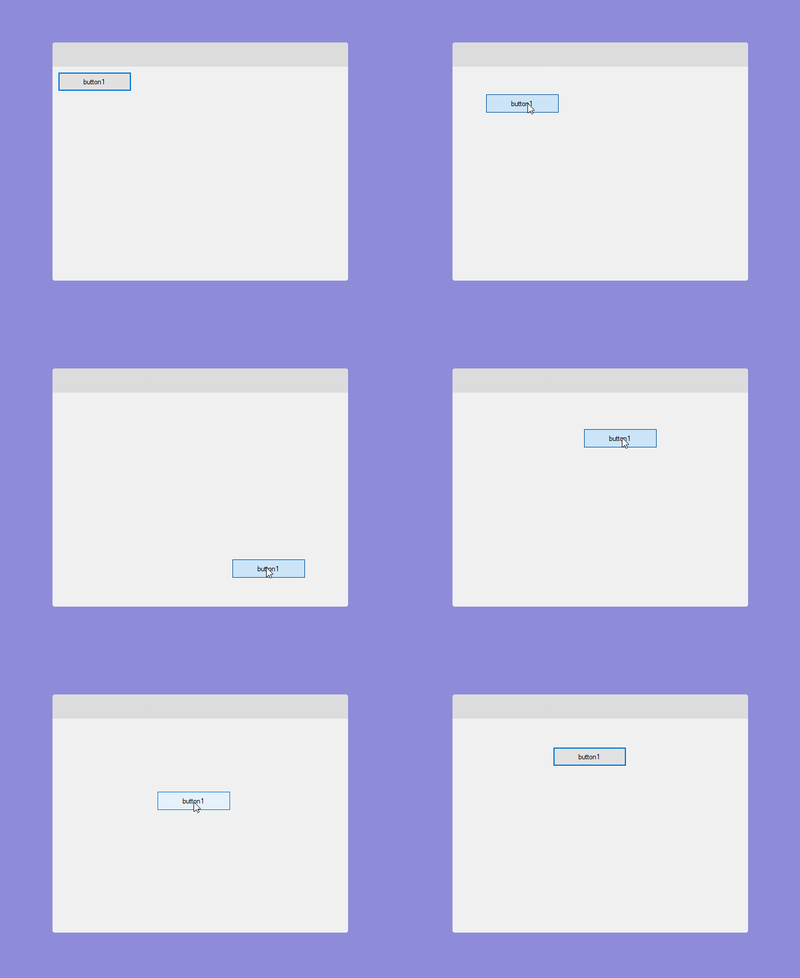
Above, a button that was set as the TargetControl at design-time is now draggable at runtime.
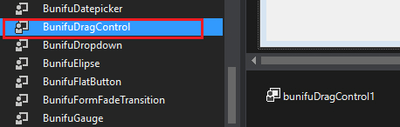
To use drag simply locate it in your your toolbox and drag it to your form:
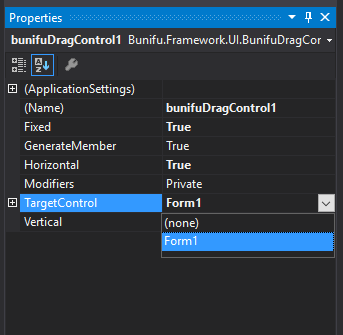
On the Properties Window, set the Target Control property to the current form
Now just run the app and click in any place on the form and then drag it. You will see that the form can be moved (dragged) on the screen.
Properties
There are two important properties in the Bunifu Drag component:
Vertical
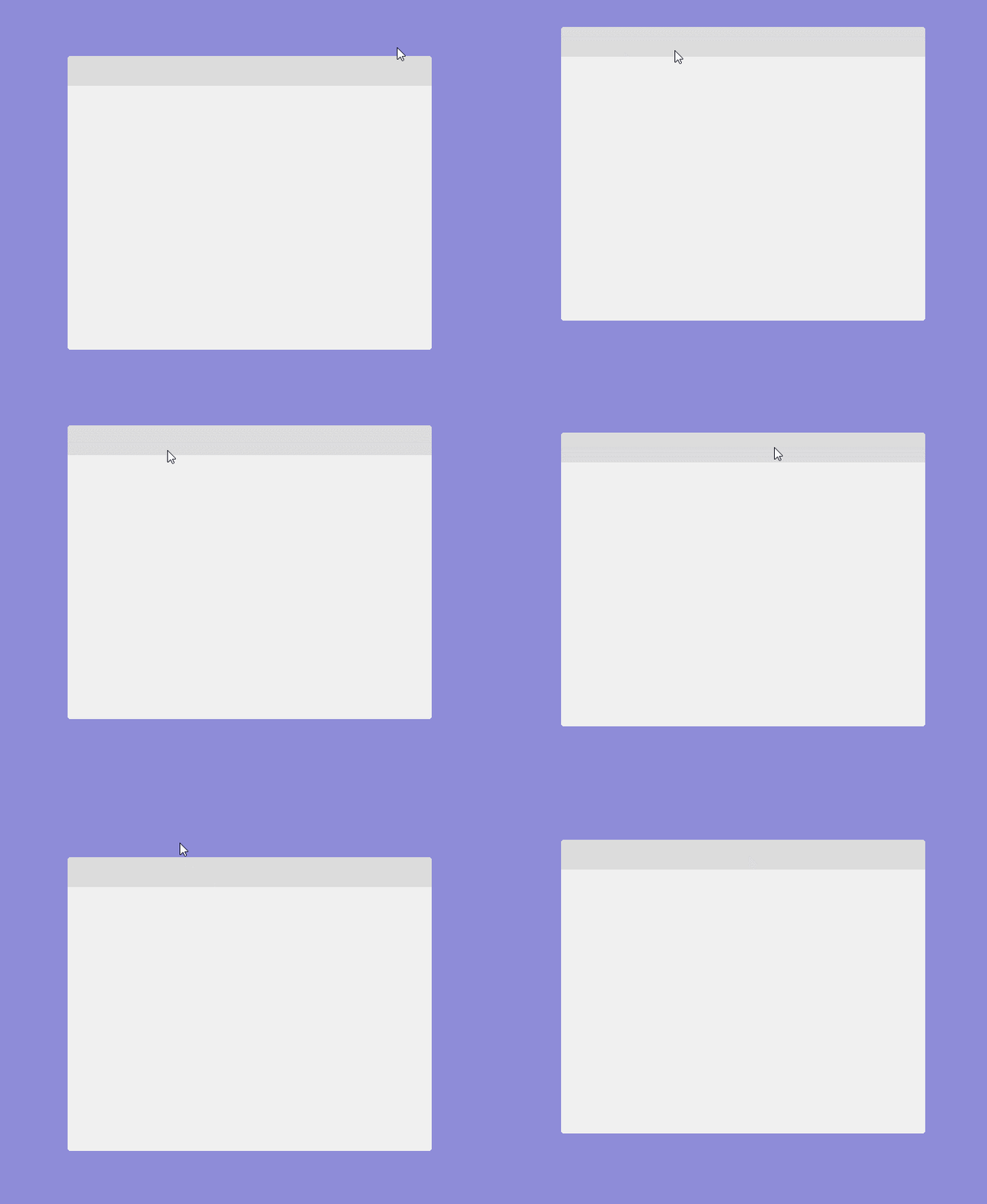
When applied, this property allows the user to move the form on the vertical axis. This property is of boolean type.
Here's a sample illustration after disabling this property:
Horizontal
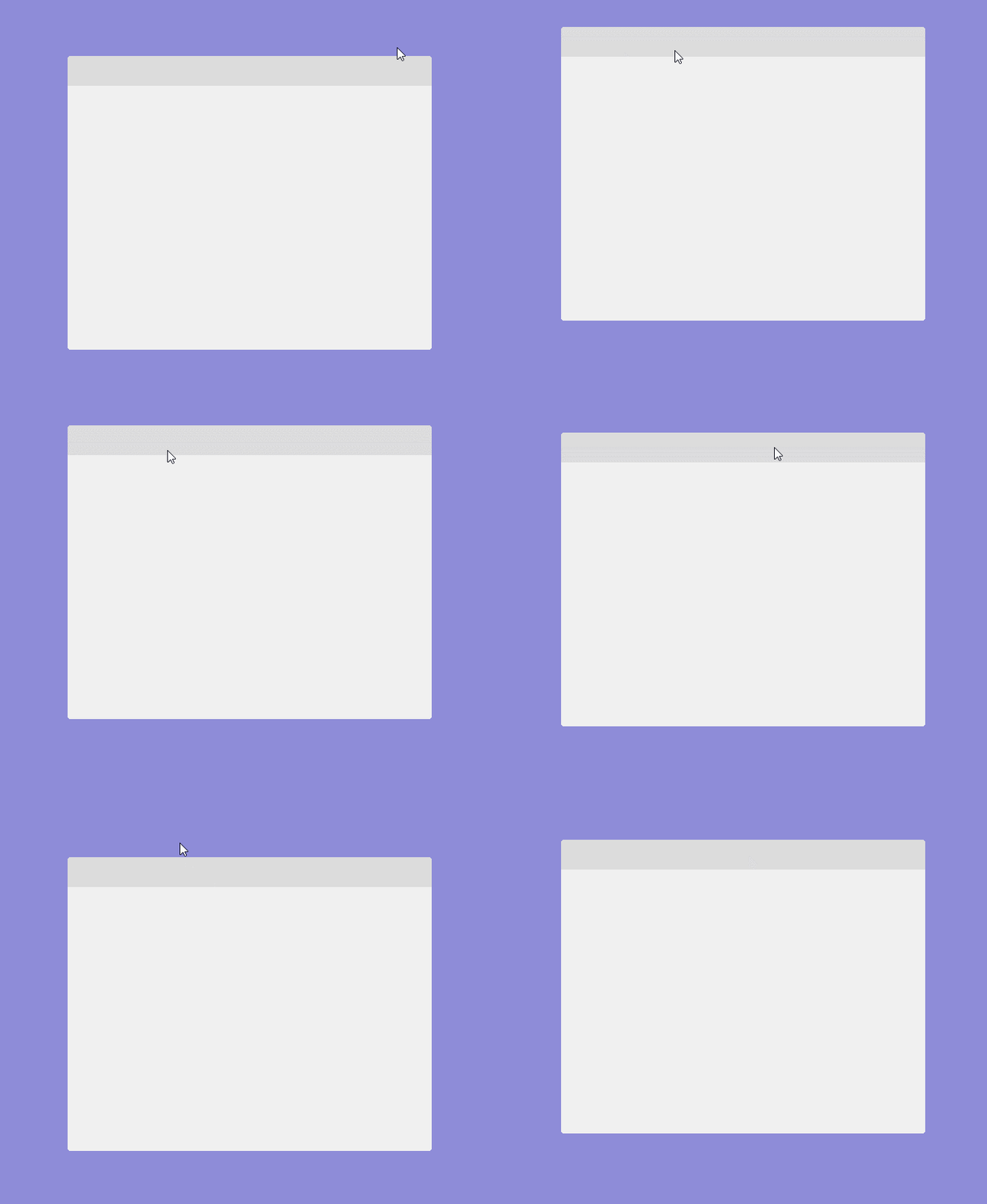
When applied, this property allows the user to move the form on the horizontal axis. This property is of boolean type.
Here's a sample illustration after disabling this property:
That's it!
We do believe that the Bunifu Drag component will greatly help improve the UI/UX design process of your .NET applications. Do try it...
Should you have feedback or suggestions please send us via chat on the bottom right corner of the screen.